Note: This is the simplest mechanism to mass email receipts to donors, which uses Salesforce's native email functionality. If you want to email receipts using another mechanism, such as Salesforce Marketing Cloud or 3rd party emailer, use Set Receipts as Emailed in Batch to indicate the receipts were emailed.
Note: In order for receipts to be emailed in batch, there must be one or more receipts with [Delivery Status] = "To be Emailed".
Note: For more details about [Delivery Status], see Delivery Status Definition.
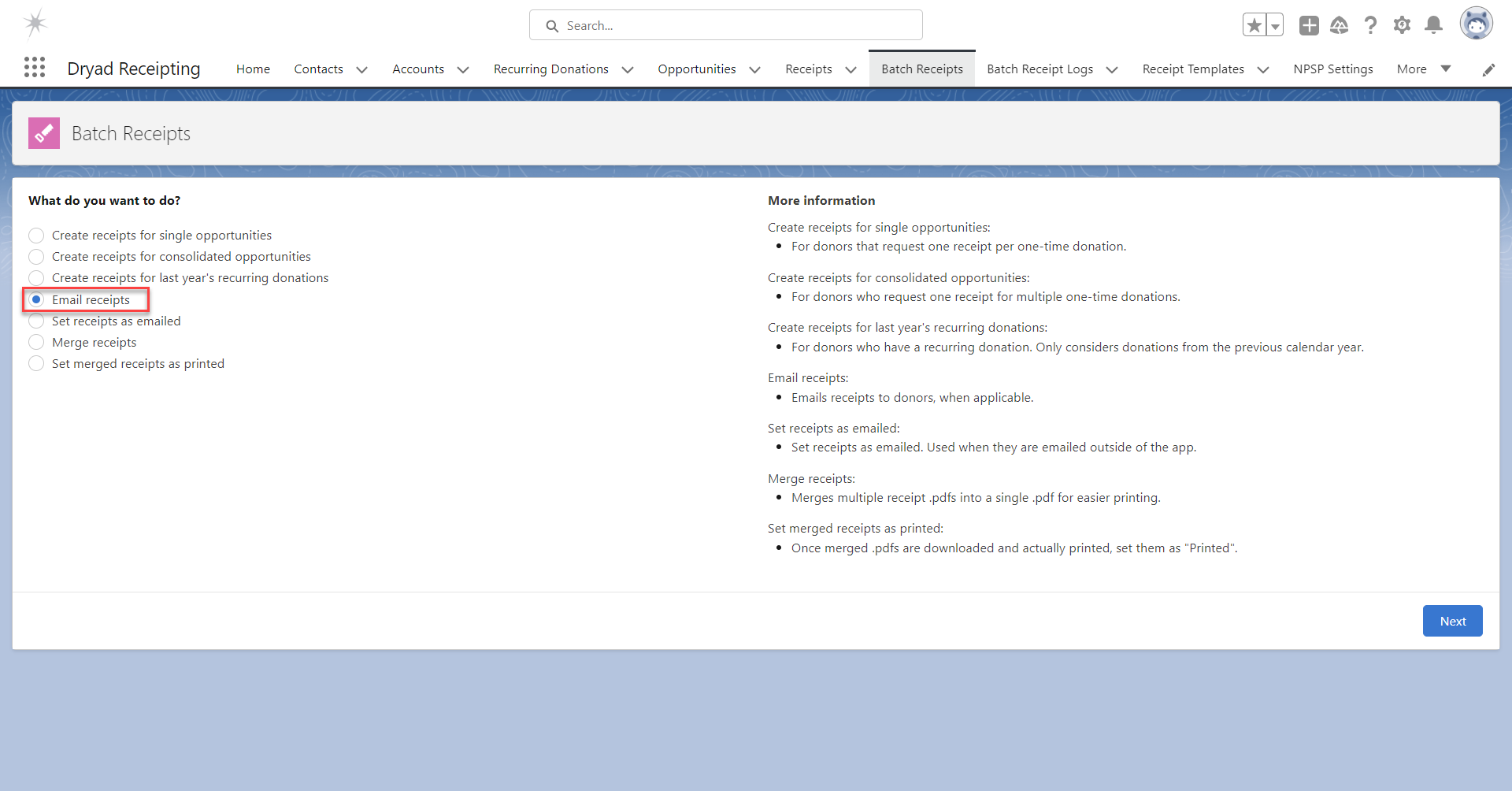
To email receipts in batch, go to the tab "Batch Receipts".
Select "Create receipts for single opportunities" and click "Next".
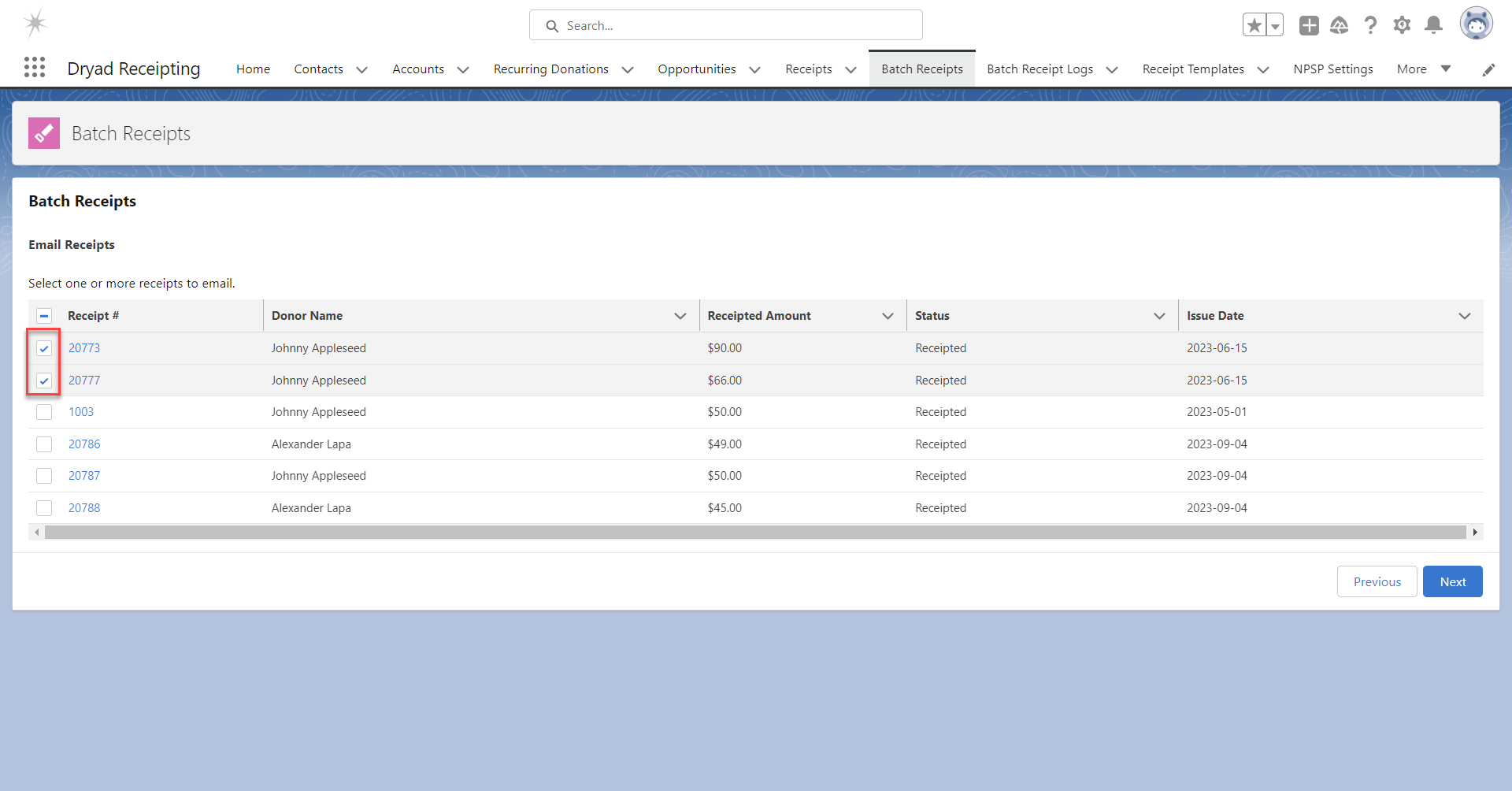
Select the desired receipts to email and click "Next".
Note: If there are more than 100 available receipts, this page is not displayed. Instead, the number of available receipts is displayed and you can email all receipts or none of them.
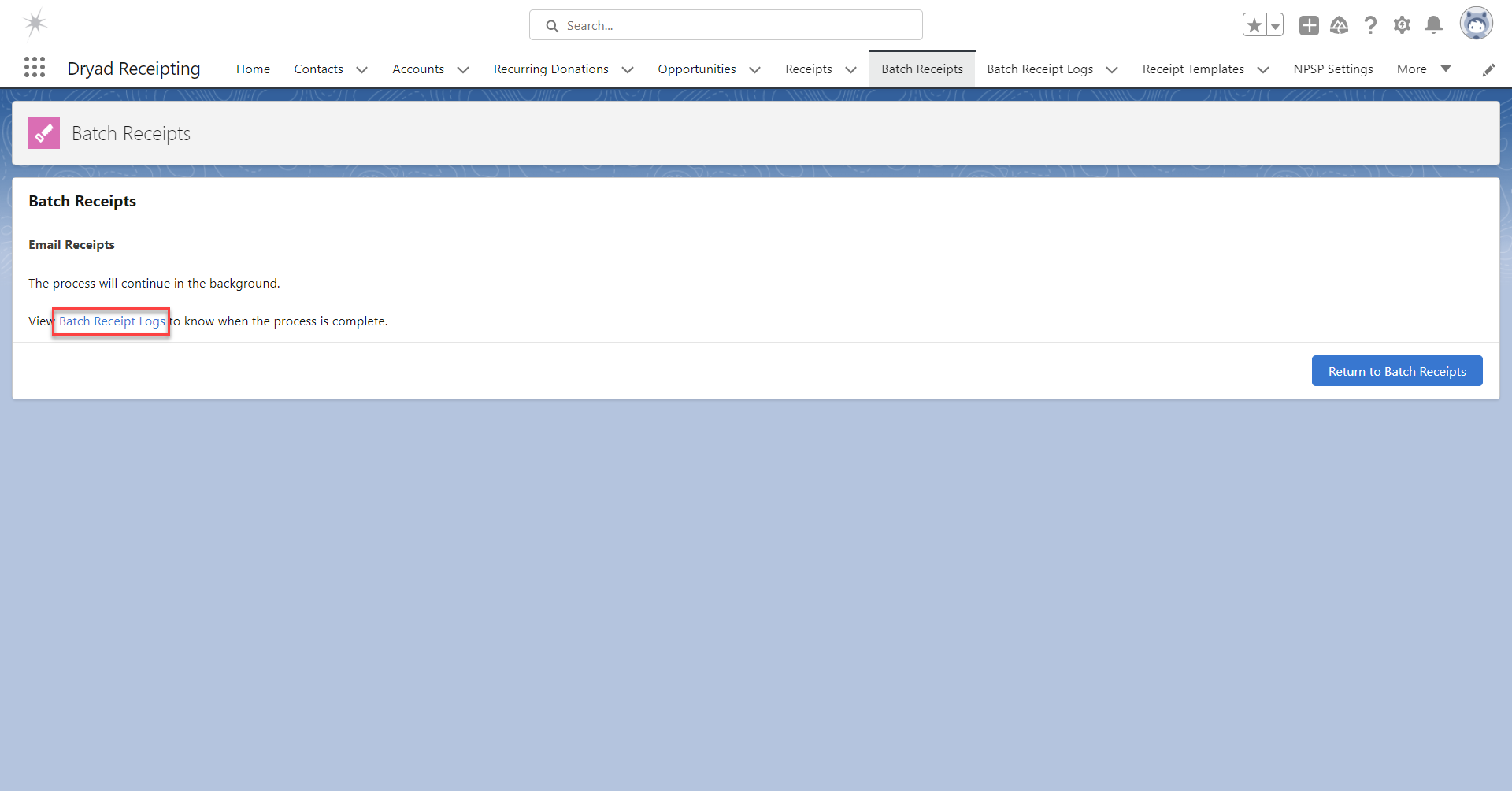
Allow the process to complete.
To view the progress and completion of the action, click the link "Batch Receipt Logs".
Click on the most recent Batch Receipt Log.
Was this article helpful?
That’s Great!
Thank you for your feedback
Sorry! We couldn't be helpful
Thank you for your feedback
Feedback sent
We appreciate your effort and will try to fix the article